How Do I Press Direct-to-Film (DTF)?
How to Apply DTF Transfers: Step-by-Step Guide
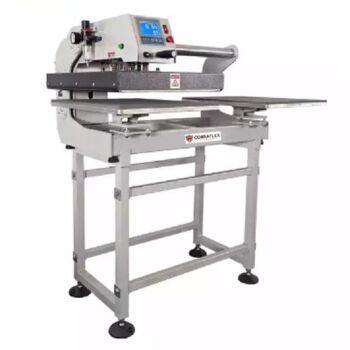
This guide shows how to apply and use DTF transfers the right way, every time. With state-of-the-art equipment like the CobraFlex Dual Pneumatic Heat Press, you can ensure consistent results on cotton, polyester, and blended garments. Below is a full walkthrough of the DTF pressing process, from freshly printed film to final application.
Step 1: Print and Cure the Transfer Film
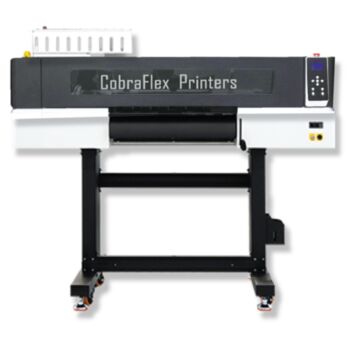
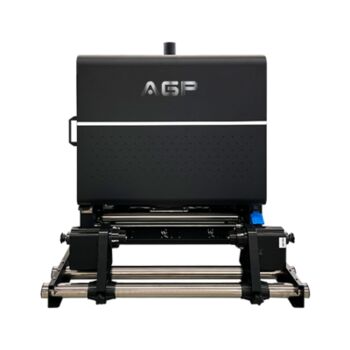
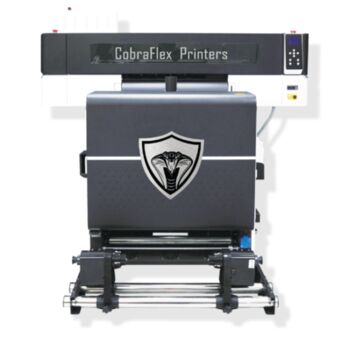
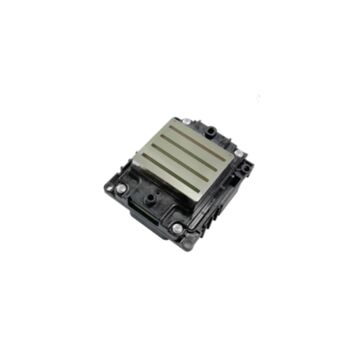
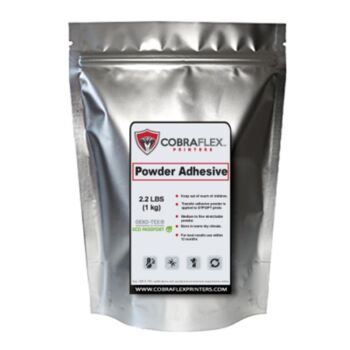
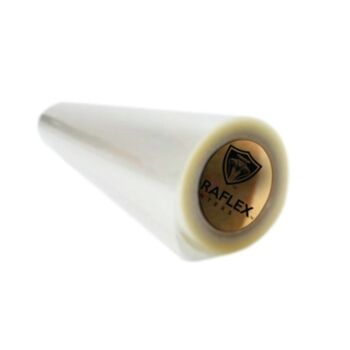
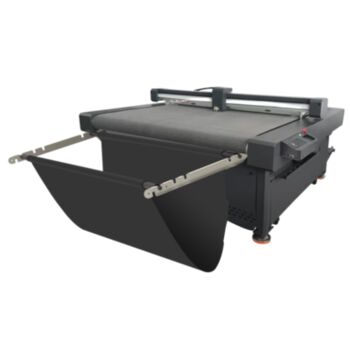
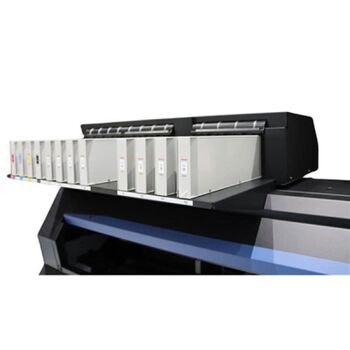
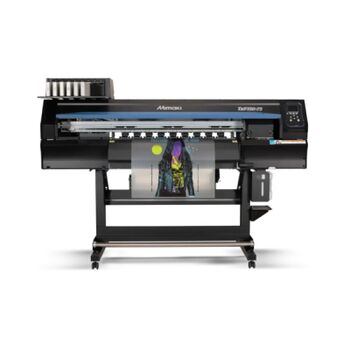
Your DTF transfer begins with printing onto high-quality DTF film using a CobraFlex DTF printer equipped with industrial i3200 printheads. The film is loaded and printed in mirror mode with white ink printed last to ensure proper opacity. The design is then coated with hot melt adhesive powder and passed through a curing oven or integrated CobraFlex shaker-dryer system to fully dry and fuse the adhesive onto the film. Once cooled, your transfer is ready to press.
Step 2: Prepare the Garment and Heat Press
Pre-press your garment for 5-10 seconds to remove moisture and wrinkles. Set your CobraFlex Dual Pneumatic Heat Press to the correct pressure and temperature settings. A firm, evenly distributed pressure is critical—especially with textured garments. Pneumatic heat presses offer consistency and force that manual presses cannot. Without enough downward force, the transfer may bridge across the weave of the fabric and result in poor adhesion or cracking after washing.
Recommended Press Settings (General)
- Temperature: 300°F to 320°F
- Time: 10 to 15 seconds
- Pressure: High (pneumatic recommended)
Step 3: Press the Transfer
Align the cooled transfer on the garment with the film side facing up and design side down. Apply heat and pressure based on your fabric type. The adhesive melts and binds to the surface fibers of the fabric. When the timer ends, lift the press and allow the transfer to cool down if using cold peel film. For hot peel film, peel immediately after pressing.
Cold Peel vs. Hot Peel
Hot peel films can be removed right after pressing, offering speed advantages for high-volume shops. Cold peel films require a cool-down period, which can result in a slightly softer finish and cleaner edges. The CobraFlex printers and DuPont Artistri ink systems support both types of film.
Step 4: Post-Pressing With Poly Mesh Flag Material
For garments like polyester, fleece, or textured blends, lay a poly mesh flag material or Teflon sheet over the design and apply a second press for 5–8 seconds. This technique:
- Softens the texture of the print
- Reduces visible press marks
- Helps embed the ink deeper into the fibers
- Provides a matte or natural finish on shiny polyester
Using a post-press step ensures the transfer feels softer and prevents the film from leaving gloss marks or edge impressions.
Garment-Specific Tips
Why Choose CobraFlex Printers and Heat Presses
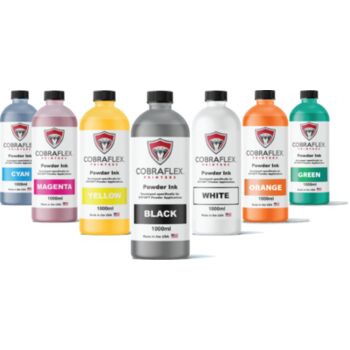
CobraFlex printers are built for production DTF work. Their pneumatic heat presses apply even pressure, which is critical when applying transfers to garments with seams, zippers, or textured surfaces. Combined with DuPont P1600 series inks and engineered film/powder systems, you get long-lasting, vibrant results every time.
Buckets of Ink ships CobraFlex systems, inks, and films nationwide from Tempe, Arizona. We deliver the tools and supplies you need for DTF success.
Explore CobraFlex Heat Presses and Inks Here
Related DTF guides
DTF heat press settings · Hot peel vs cold peel film · DTF transfers cracking · How long do DTF transfers last
Frequently Asked Questions
How long do you press a DTF transfer?
Most DTF transfers press for about 10–15 seconds with medium-firm pressure, then a second press of a few seconds after peeling. Always follow your film and powder maker's settings — see our DTF heat press settings guide.
Do you peel DTF hot or cold?
It depends on the film: hot-peel film peels right away, cold-peel film must cool completely first.
Why is my DTF transfer not sticking?
Too little time, temperature or pressure, under-cured powder, or a garment with moisture. Pre-press the garment and check your settings.
How do you apply DTF transfers?
Pre-press the garment for 5-10 seconds, place the transfer film side up, press at 300-320°F for 10-15 seconds with firm pressure, peel hot or cold as the film requires, then re-press for 5-8 seconds under a cover sheet.
How do you use DTF transfers on different fabrics?
Any heat press that holds 300-320°F with even pressure works. Use high pressure and 10-15 seconds on cotton, cold peel and a mesh-covered second press on polyester, moderate heat on tri-blends, and a longer dwell on canvas totes.