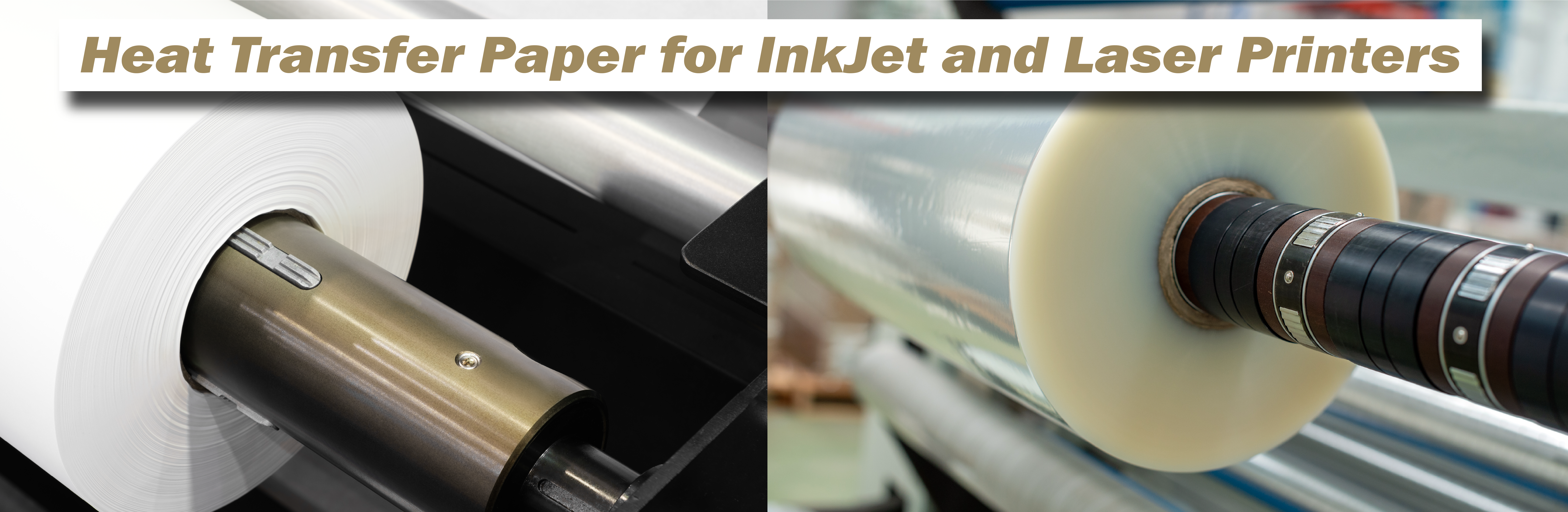
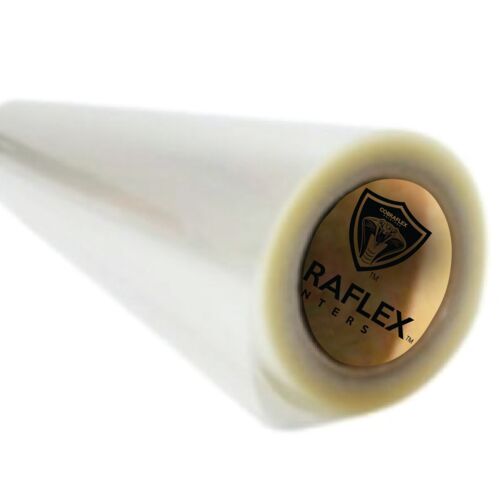
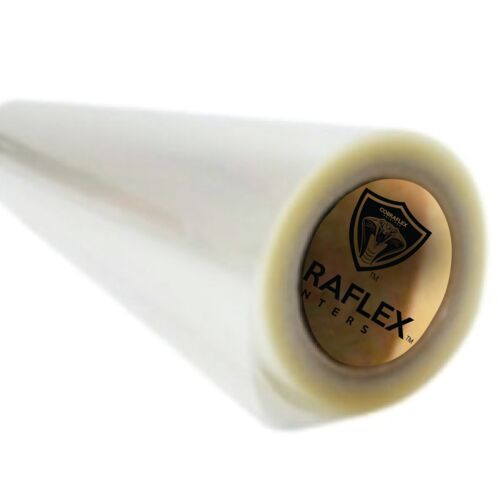
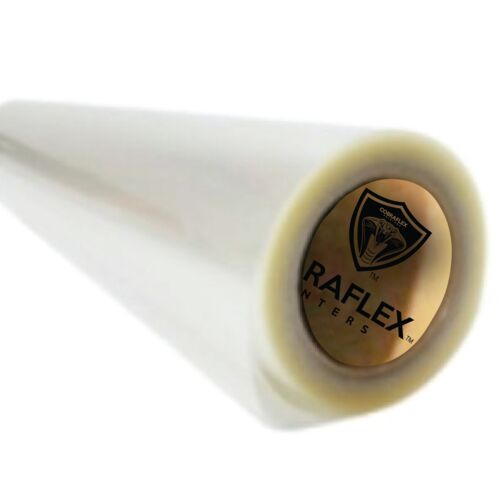
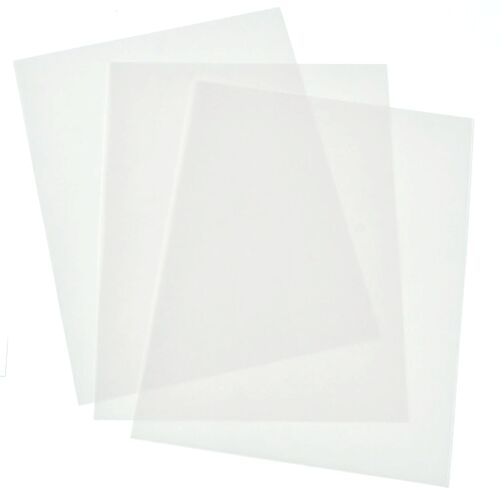
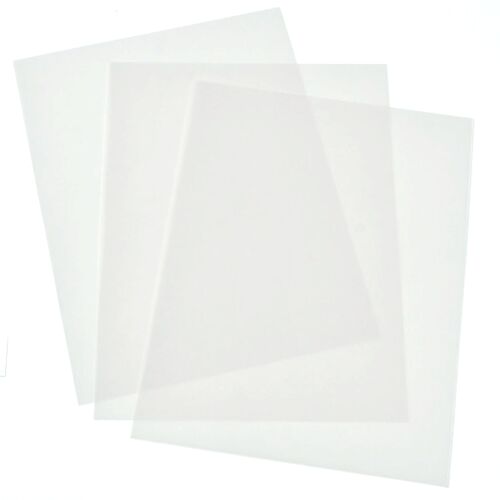
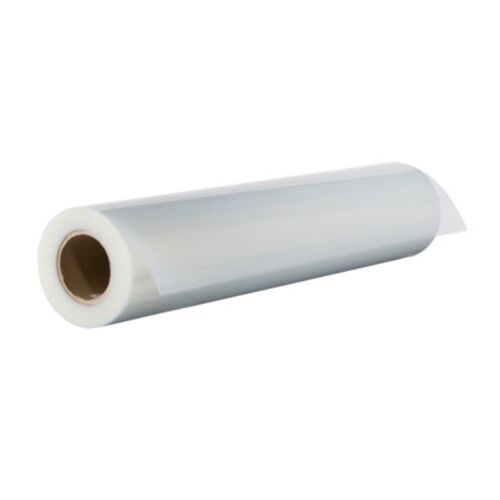
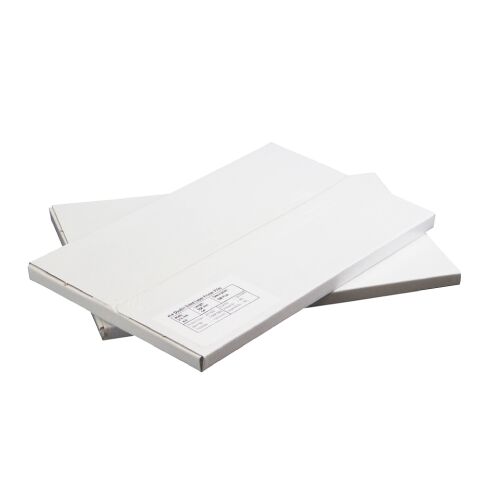
Inkjet film (waterproof, micro-porous coated) is designed for aqueous pigment inks and produces high UV density (Dmax) with smooth dot edges—ideal for detailed halftones and tight registration. It dries quickly, resists bleeding when used with correct ink limits, and delivers repeatable results across long runs. Laser transparency/vellum relies on toner fusion; it’s convenient with office lasers but can be limited in density and dot smoothness without density sprays or fuser temperature optimization. For most textile shops, pigment-ink inkjets on waterproof film offer the best balance of density, fidelity, and cost per positive.
Printer, Ink & Driver/RIP Setup (Get Density Without Bleed)
Printers & inks: Pigment-ink photo printers generally deliver denser blacks than dye inks. Use the film’s coated side; confirm by a light scratch test (coated feels slightly matte/tacky). Driver/RIP: A dedicated film RIP (e.g., textile-oriented RIPs) unlocks halftone control (LPI, angle, dot shape), channel ink limits, and uni-directional printing. In a standard driver, choose a high-quality matte media mode, high resolution (e.g., 1440×1440 or 2880×1440), and enable black ink priority if available.
Ink limits: Push enough ink to maximize UV density without pooling. Too little ink = light leaks (underexposure/undercutting). Too much = fuzzy edges and drying delays. Print a density ramp and inspect against a bright light or with a transmission densitometer if available. Target UV Dmax ~2.0–3.0 for most stencil systems.
Resolution & pass mode: For halftones, choose higher resolutions and uni-directional passes to eliminate banding. Disable any driver “sharpen” or smoothing that distorts halftone dots. Let films air-dry flat (10–30 minutes depending on environment) before stacking.
Halftones: LPI, Dot Shape & Angles That Actually Print
Match LPI to mesh: Keep your halftone frequency low enough that the mesh can resolve dots cleanly. Common starting points: 45–55 LPI for 110–135 mesh; 55–65 LPI for 156–180 mesh; 65–85 LPI for 200–230 mesh. Dot shape: Elliptical bridges midtones well; round holds highlights. Angles: For 4-color process, classic sets include C 15°, M 75°, Y 0°/90°, K 45°. For simulated process (spot separations), stagger angles (e.g., 22.5°, 52.5°, 7.5°) to avoid moiré with mesh knuckle patterns. Tonal range: On cotton/poly textiles, start with ~5–90% printable range; tune via RIP curves and exposure.
Registration, Scaling & Film Handling
Registration marks & pin systems: Add corner ticks and center marks; consider pin registration for multi-color jobs. Scaling: Print with “no scaling” and confirm dimensions with a ruler; a 100 mm calibration bar should measure exactly. Handling: Wear clean gloves or hold by edges. Keep the coated side free of dust; static attracts debris that becomes pinholes on stencil. Store films flat at 40–55% RH; avoid heat or direct sun which can warp film and shift registration.
From Film to Screen: Emulsion, Exposure & QA
Emulsions: Dual-cure offers exposure latitude and solvent resistance; pure photopolymer is faster but needs precise timing. Coat for target EOM (emulsion over mesh) to control ink deposit and edge quality. Explore options in screen printing supplies.
Light sources: Textile emulsions respond best between ~365–405 nm. LED exposure units provide consistent output, low heat, and fast cycles; metal halide remains effective for deep cure. Keep exposure glass clean; vacuum frames ensure intimate contact to prevent light undercutting.
Exposure testing: Use a Stouffer 21-step wedge or exposure calculator strip on a test screen. For many dual-cures, holding step 7–9 indicates proper crosslinking; confirm by washout and edge inspection. Too short = soft stencils, sawtoothing, undercutting. Too long = lost highlights and hard washout.
Washout & hardening: Rinse gently until image opens, then bring pressure up to clear detail without eroding edges. Post-expose (or sun-cure) to harden the stencil for long runs. Dry screens completely before printing to prevent ghosting and fish-eyes.
Laser Output Tips (If You’re Using Office Printers)
Media: Use laser-rated transparency or vellum that can tolerate your fuser temperature. Density: Maximize toner density in the driver; if needed, apply a toner-density spray to improve UV blockout (let fully dry before exposure). Fuser care: Keep paths clean; ghosting or specks transfer into the stencil. Resolution: Print at the highest available; verify lines and small text with a loupe. Laser is workable for spot art and bold graphics; critical halftones usually favor inkjet film.
Troubleshooting at a Glance
Light creep under dark areas: Increase film density, improve vacuum/film contact, or reduce exposure glass distance. Ragged edges: Go uni-directional, increase resolution, reduce ink pooling, ensure film is fully dry. Lost highlights: Lower exposure or adjust RIP curve to hold 3–5% dots; verify mesh/LPI pairing. Pinholes: Anti-static wipe, cleaner environment, dust covers, and careful handling; use blockout sparingly on screen.
Prepress Checklist (Save & Tape by Your Printer)
• Correct media side on film (coated side up in feed path as specified).
• Driver/RIP set for matte/film, high resolution, uni-directional, proper ink limits.
• Halftone LPI matched to mesh; dot shape/angles set; tonal curve loaded.
• Registration marks placed; 100 mm scale bar added for size check.
• Films dry flat 10–30 minutes before stacking; store in dust-free sleeves.
• Exposure test with step wedge on new emulsion batches or bulb changes.
• Keep glass, vac frame, and contact surfaces clean to avoid undercutting.
What density should my film positives reach for clean stencils? A practical target for most textile emulsions is UV Dmax of ~2.0–3.0. If you see light bleeding through the “black,” increase ink/toner density, switch to waterproof inkjet film, or use a density spray (laser).
Which halftone LPI pairs well with common mesh counts? Start around 45–55 LPI (110–135 mesh), 55–65 LPI (156–180 mesh), 65–85 LPI (200–230 mesh). Then fine-tune by artwork and fabric. Keep dots printable (often 5–90% for apparel).
What dot angles and shapes reduce moiré? Classic CMYK sets: C 15°, M 75°, Y 0°/90°, K 45°. Simulated process: staggered angles like 22.5°, 52.5°, 7.5°. Elliptical dots bridge midtones; round dots preserve highlight detail.
Is inkjet better than laser for film positives? For most shops, pigment-ink inkjets on waterproof film yield higher density and smoother dots. Laser can work for bold art, but halftones and fine text generally favor inkjet film output.
How do I determine the correct exposure time? Run a Stouffer 21-step wedge on a test screen. Many dual-cure emulsions target around step 7–9. Confirm that tiny type and fine highlight dots still wash out cleanly.
Why are my edges ragged or “sawtoothed” after exposure? Likely film issues: banding from bidirectional printing, low resolution, or wet ink bleed. Switch to uni-directional, raise resolution, and ensure films fully dry before use.
How should I store and handle film to keep quality high? Keep films flat, dust-free, and at stable humidity (40–55%). Handle by edges (gloves recommended), avoid fingerprints on the coated side, and protect fresh prints while drying.